3 Reasons VFD Won’t Stop at 0Hz & Fixes for 12Hz Start
Today, we’re reviewing a highly perplexing field failure case.
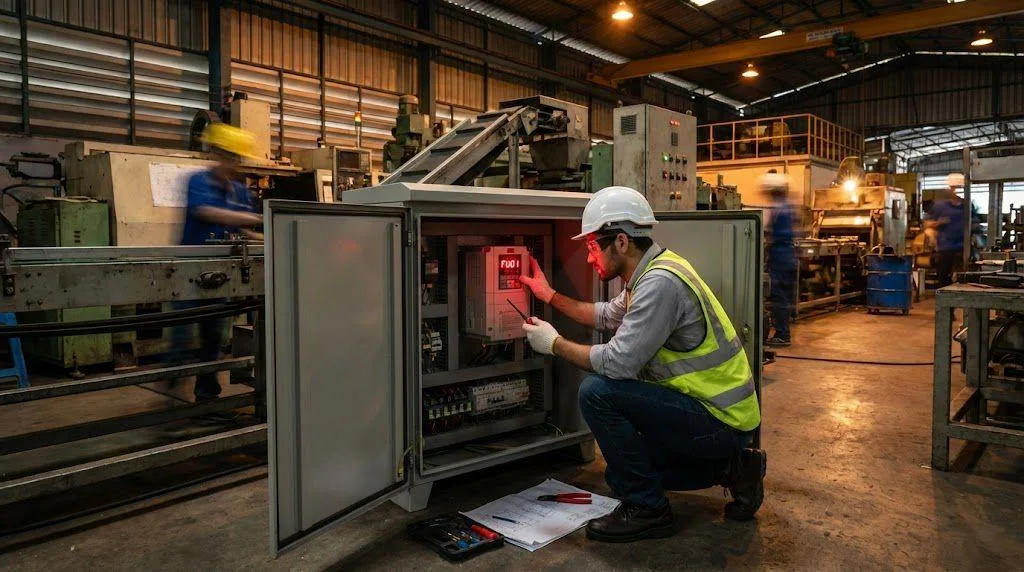
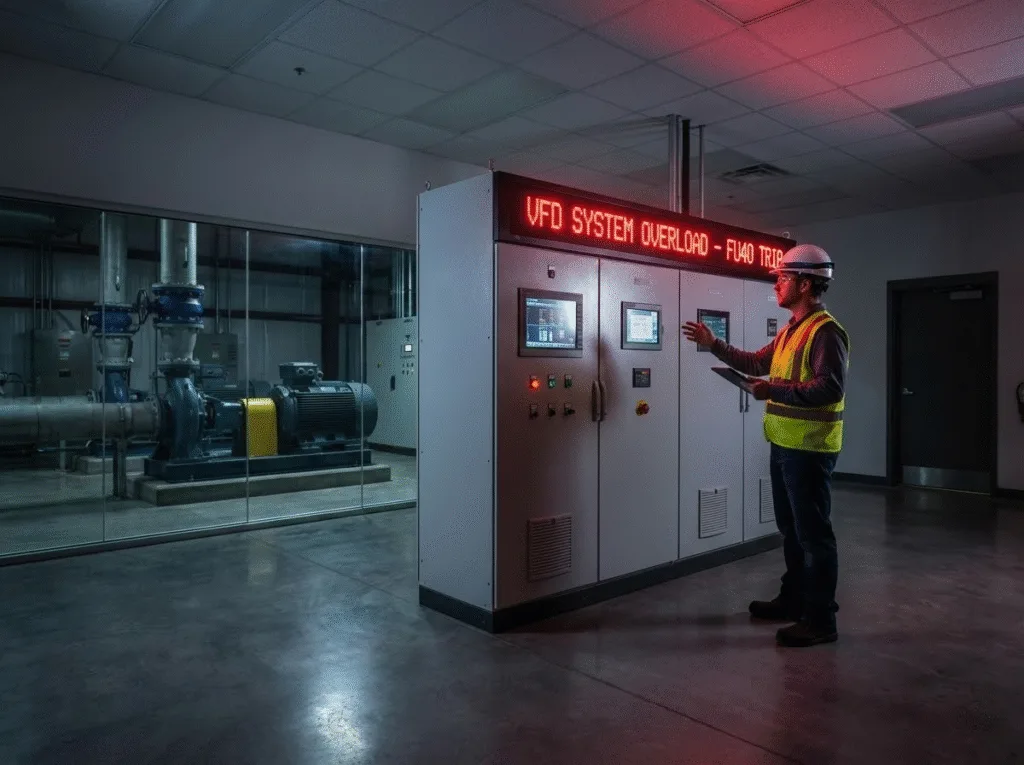
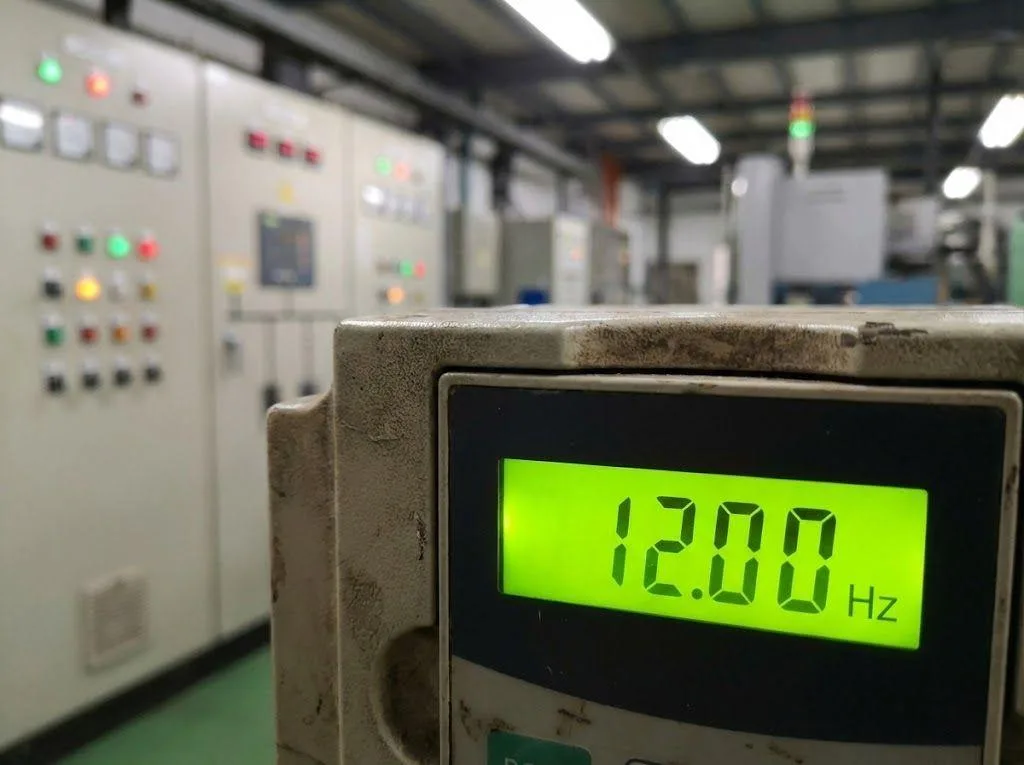
An engineer reported an odd phenomenon: when his VFD was shutting down, the frequency dropped to 12Hz and stubbornly refused to budge. It hovered there for several seconds before finally cutting off output. Even more bizarrely, upon restarting, it launched directly from 12Hz, completely skipping the ramp-up process from 0Hz to 12Hz.
VFDs failing to stop at 0Hz but getting stuck at a specific frequency (like 12Hz in this case) isn’t uncommon in industrial settings. Many newcomers panic, assuming the drive is faulty.
Based on years of field experience, this is rarely a “hard failure.” Instead, it usually stems from overlooked basic parameter settings or mismatched external components. I’ll guide you through three troubleshooting steps to permanently resolve the “VFD Won’t Stop at 0Hz” issue.
The Parameter Trap: Lower Limit Frequency
This is the most probable cause of the VFD failing to stop at 0Hz, accounting for over 80% of cases.
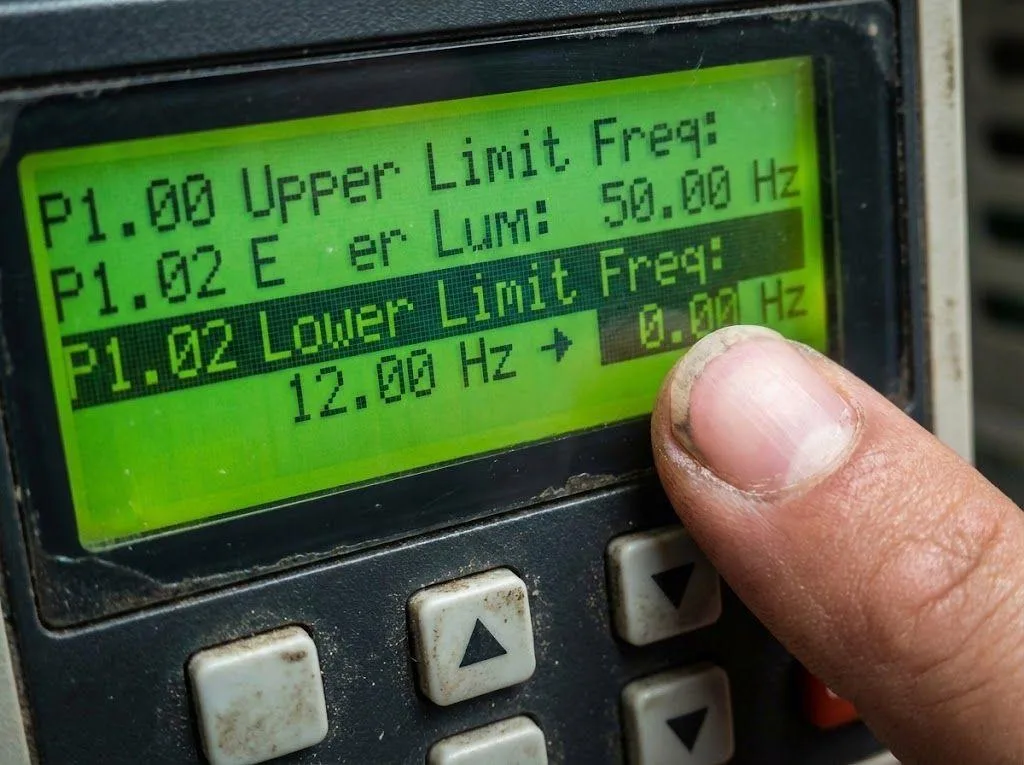
If the VFD exhibits “stubbornly” locking at 12Hz—unable to decrease below it and starting directly from 12Hz during operation—this is undoubtedly due to a manually set “lower limit frequency” or “minimum frequency.”
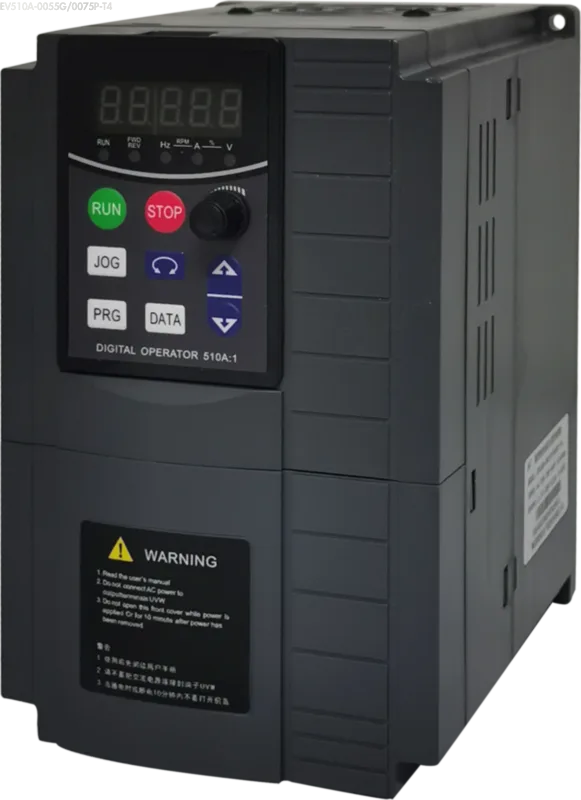
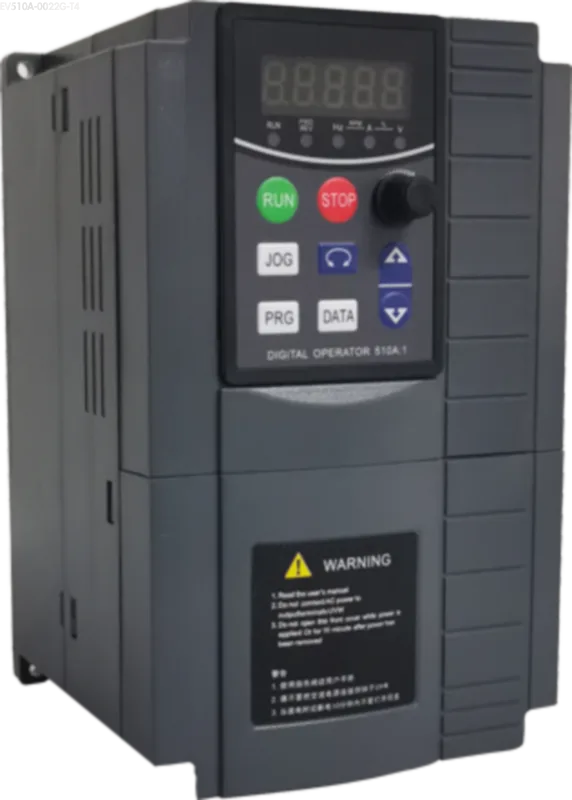
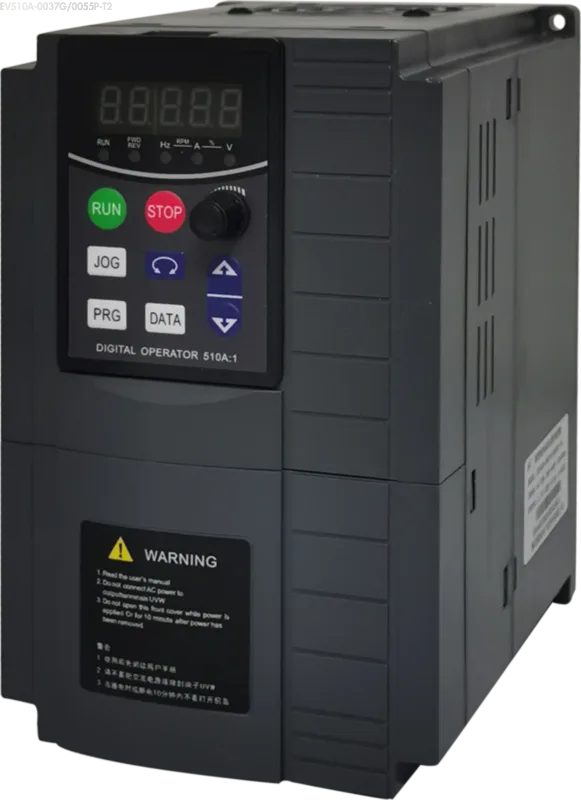
In the Oulu VFD EV510A User Manual, we must focus on checking the P0 Group (Basic Function Group):
- Lower Limit Frequency
- Minimum Running Frequency
Once someone sets these parameters to 12Hz, the VFD’s logic dictates that the output frequency must never drop below 12Hz as long as a run signal is present. When you lower the setpoint, it automatically “bottoms out” at 12Hz. This is not a fault but the protective logic in action.
Solution: Enter the parameter menu and ensure both parameters are set to 0.00 Hz. Simply resetting them to zero will instantly resolve the “VFD Won’t Stop at 0Hz” issue.
The Hardware Drift: Potentiometer Failure
If the parameter settings are correct and all values are 0, but the VFD still fails to stop at 0Hz, you need to check the external input.
Assuming you’re using a knob (potentiometer) for speed control. Let’s do the math: If 0-10V corresponds to 0-50Hz, then the voltage for 12Hz should be approximately 2.4V.
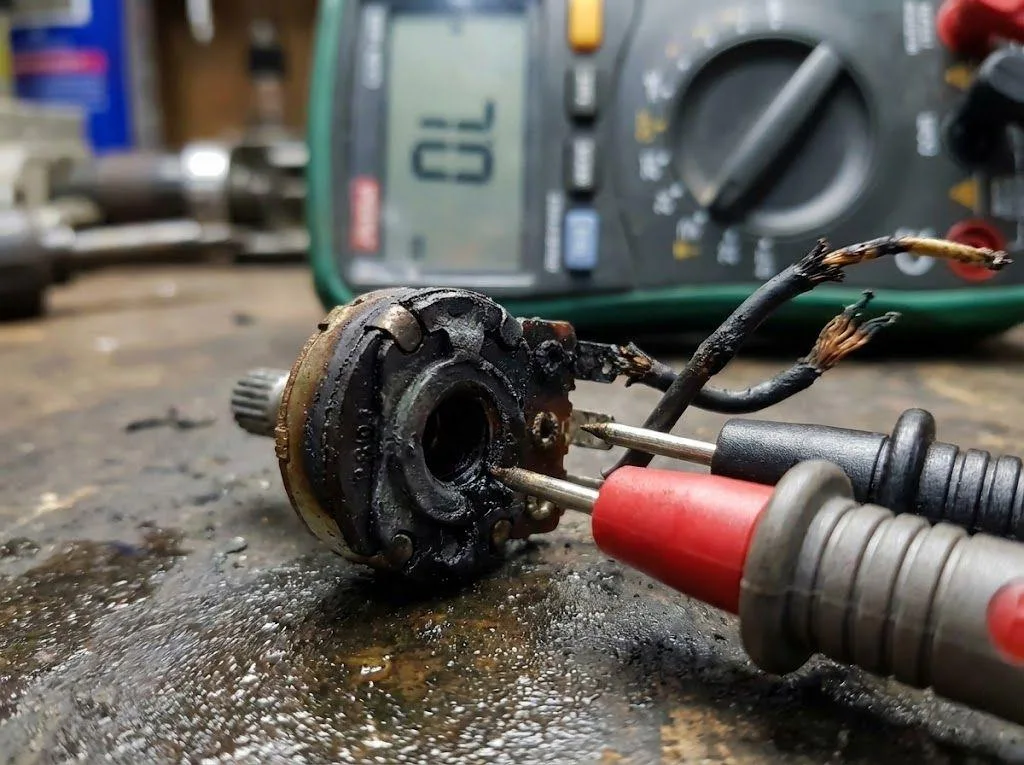
What does this indicate? It indicates your potentiometer is “faulty.” It may be stuck due to mechanical wear, dust accumulation, or internal jamming. Consequently, even when the knob is turned to its limit, the actual output voltage remains stuck at 2.4V and cannot return to zero. The VFD faithfully executes the 2.4V command, naturally outputting 12Hz.
Important Note: When replacing the potentiometer, strictly adhere to the electrical specifications in the VFD EV200 User Manual. The potentiometer’s resistance must never be less than 2kΩ. I’ve seen too many cases where 1kΩ or even smaller potentiometers were used, resulting in severe overheating. This can cause the carbon film to fuse together, preventing the voltage from returning to zero and ultimately triggering the “VFD Won’t Stop at 0Hz” issue.
The Final Verdict: Mainboard Malfunction
If both of the above steps have been completed:
- Confirm that the parameters have been reset to factory defaults (Factory Reset).
- Disconnect all external wiring and operate solely via the keypad.
However, the VFD stubbornly persists with the issue of “VFD Won’t Stop at 0Hz,” and startup still abruptly jumps from 12Hz.
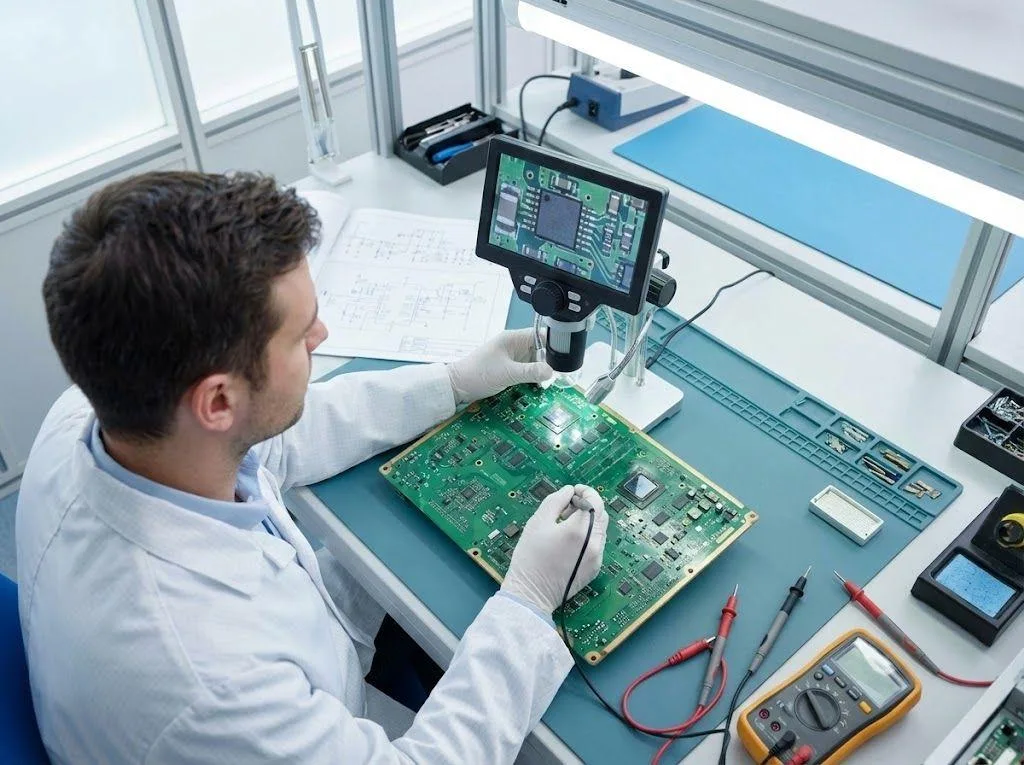
At this point, we must acknowledge: This is a hardware failure. Typically, it involves damage to the sampling circuit or CPU logic unit on the main board, causing the system to exhibit “zero-point drift.” In such cases, external adjustments are ineffective; the main board must be replaced or sent for repair.
Conclusion
Resolving abnormal start/stop frequency issues is often not a major problem, but rather a misunderstanding of parameter definitions or peripheral hardware.
From basic frequency lower limit settings to matching the resistance of external potentiometers (such as the recommended potentiometer selection for the Oulu EV510A), every detail can potentially trigger the “VFD Won’t Stop at 0Hz” anomaly. As engineers, we must proficiently utilize the Factory Reset tool and consult the VFD User Manual to pinpoint the root cause, ensuring simple parameter adjustments don’t become roadblocks.