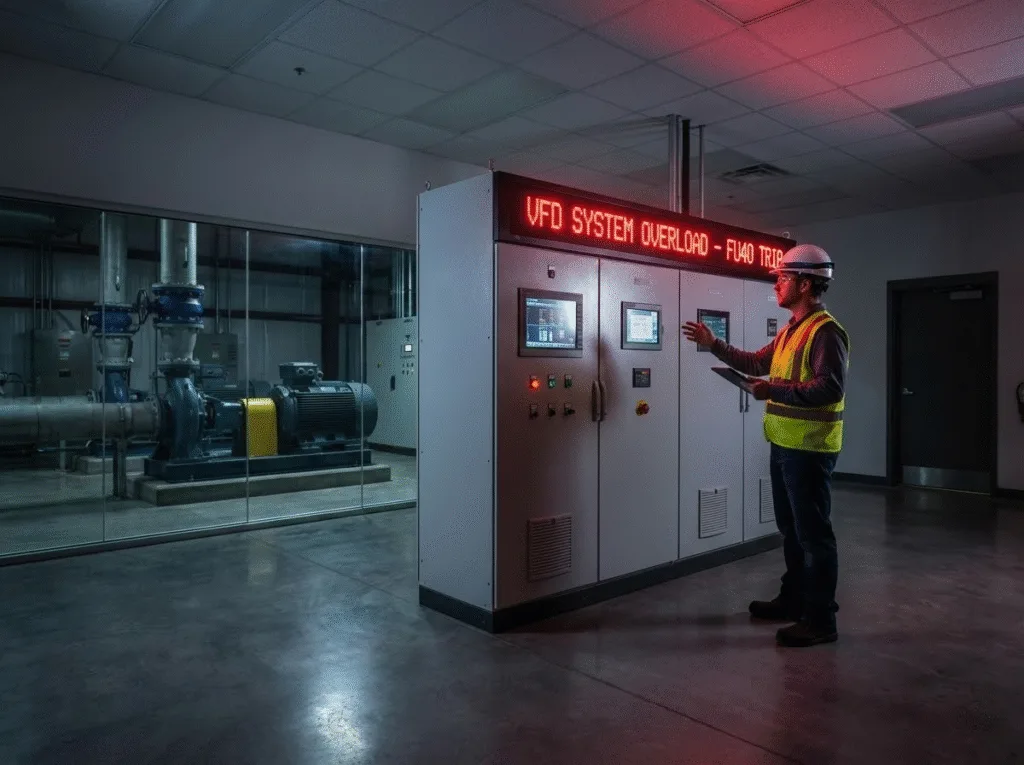
5 Reasons VFD Stops Randomly No Error Code & How to Fix It
Today, let’s revisit a particularly mind-boggling field failure case.
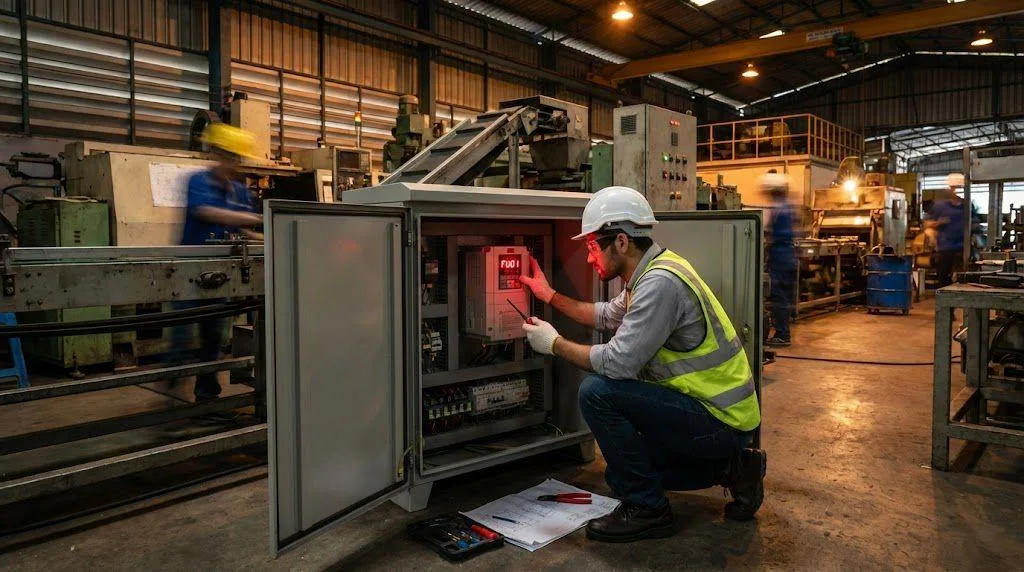
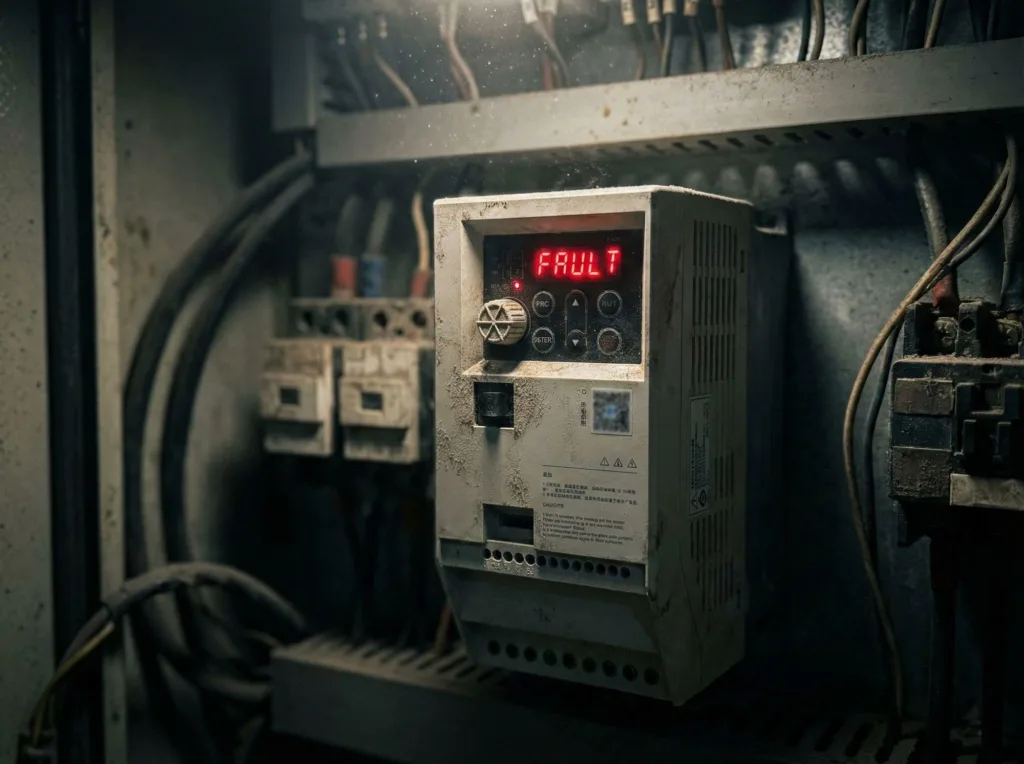
Reviewing user comments, I noticed a highly representative phenomenon: After replacing the VFD’s control panel, it started exhibiting random shutdowns. The most frustrating part? The screen displayed no specific error code—just a generic “Fault” message.
Even stranger, this wasn’t a “hard fault” caused by hardware burnout. Simply power cycling the device—by disconnecting and reconnecting the power—restored it to normal operation, as if nothing had ever happened.
In my experience, this phenomenon is classified as a “soft fault.”
Based on years of field troubleshooting experience, when a VFD stops randomly without an error code, it’s usually not a device failure but an issue with the environment or installation. I’ll guide you through the troubleshooting step by step across these five dimensions.
The Silent Assassin: Static & Dust Accumulation
This is the primary culprit causing VFDs to stop randomly during winter or in dry environments.
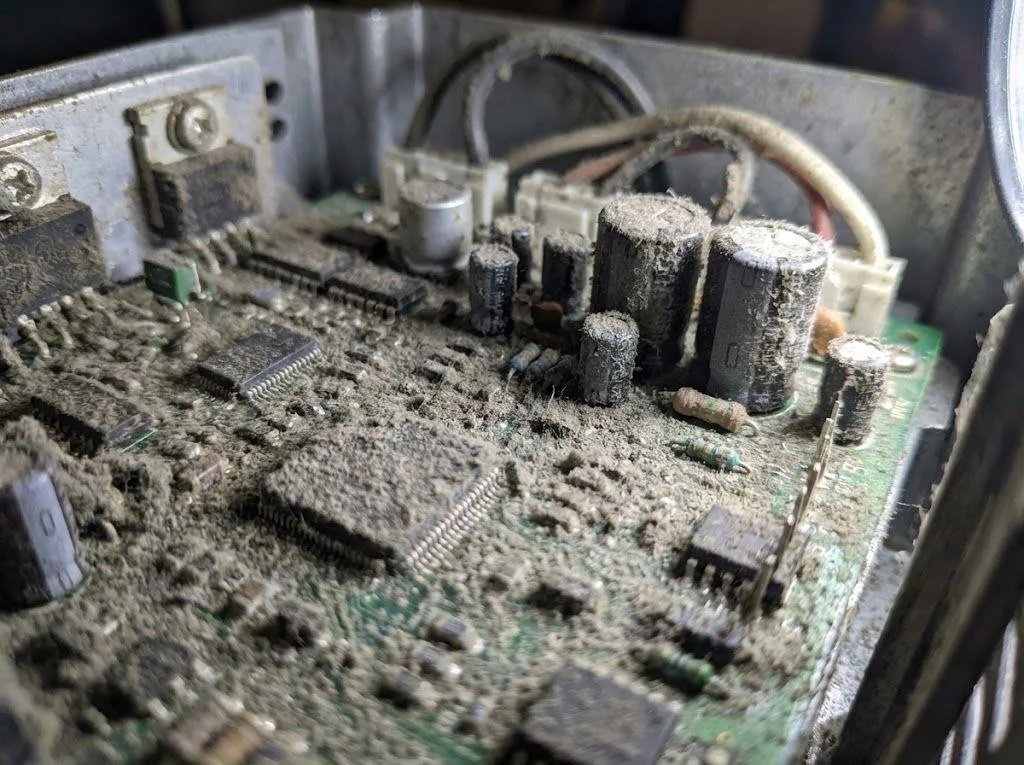
If your equipment is located in arid regions like North China (where humidity falls below 20%), the air generates significant static electricity. The VFD’s cooling fan acts like a vacuum cleaner, drawing static-charged dust into the enclosure where it adheres to the motherboard.
Dust acts as an excellent carrier (condensation nucleus) for static electricity. When static charge on the motherboard builds up to several thousand volts or even tens of thousands of volts, an electrostatic discharge (ESD) occurs. This instantaneous electromagnetic disturbance causes the CPU to malfunction, directly triggering shutdowns.
Solution: Thorough cleaning. Open the enclosure and use dry compressed air to thoroughly blow clean the motherboard. Refer to the “Maintenance” section in the Oulu VFD EV510A User Manual. Regular dust removal is the most fundamental measure to prevent VFDs from stopping randomly.
The Invisible Enemy: Poor Grounding & Interference
If the issue persists after dust removal, check your grounding.
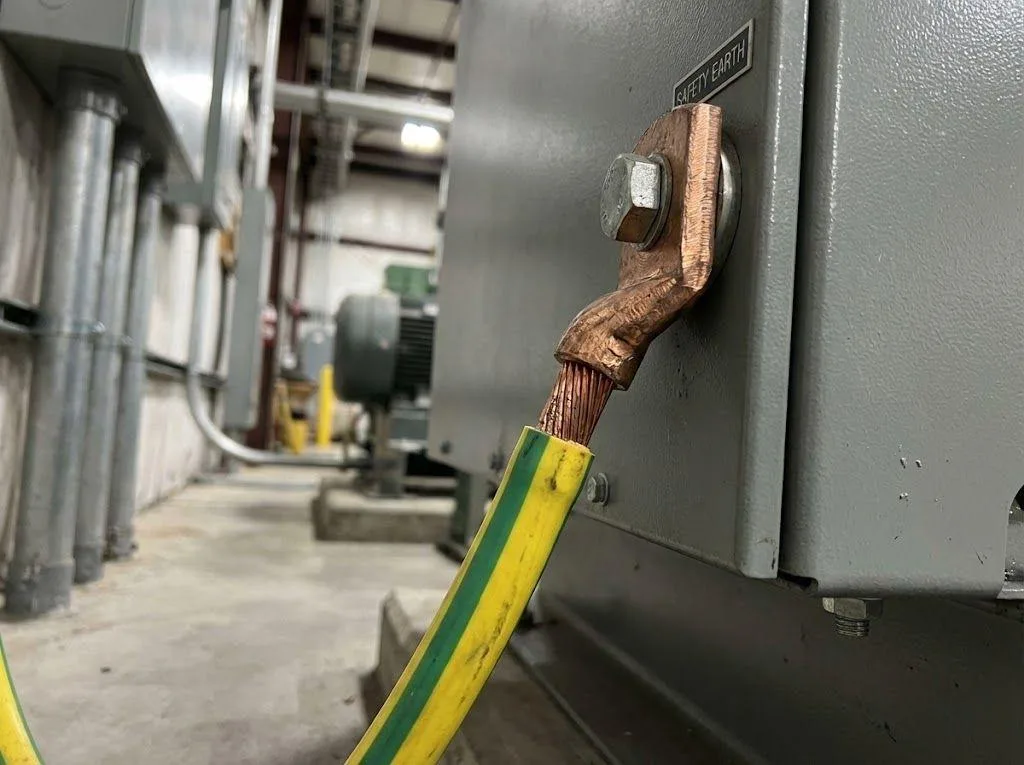
Improper installation can cause hundreds of volts of induced voltage on the control cabinet or VFD enclosure. These stray voltages are not only safety hazards; they periodically subject the control board to “electromagnetic attacks.”
When the mainboard experiences sudden high-voltage surges, the logic circuits become disrupted, causing the VFD to stop randomly.
Solution: Ensure proper grounding is established. This requires adherence to the standard grounding specifications outlined in the VFD Selection Guide—not merely connecting a random wire. Eliminating induced voltage often resolves these unexplained shutdowns.
The Hardware Variable: Keypad Malfunction
Since the fault occurred after “replacing the control panel,” we cannot rule out an issue with the panel itself.
Although the panel serves only as a display and input device, an unstable communication chip inside it could interfere with the main control board’s signals, causing the VFD to stop randomly.
Testing method: It’s simple—disconnect the panel. Operate the inverter without the panel for several days. If the fault disappears, the culprit is the newly replaced panel.
Software Glitch: Parameter Drift
Occasionally, internal parameters may undergo slight changes due to sporadic electromagnetic interference, leading to logic conflicts.
It is recommended to perform a Factory Reset and re-enter the parameters. This will clear all potential logic errors. Refer to the VFD EV200 User Manual to locate the P0 parameter group for the reset procedure.
The End of the Line: Aging Mainboard
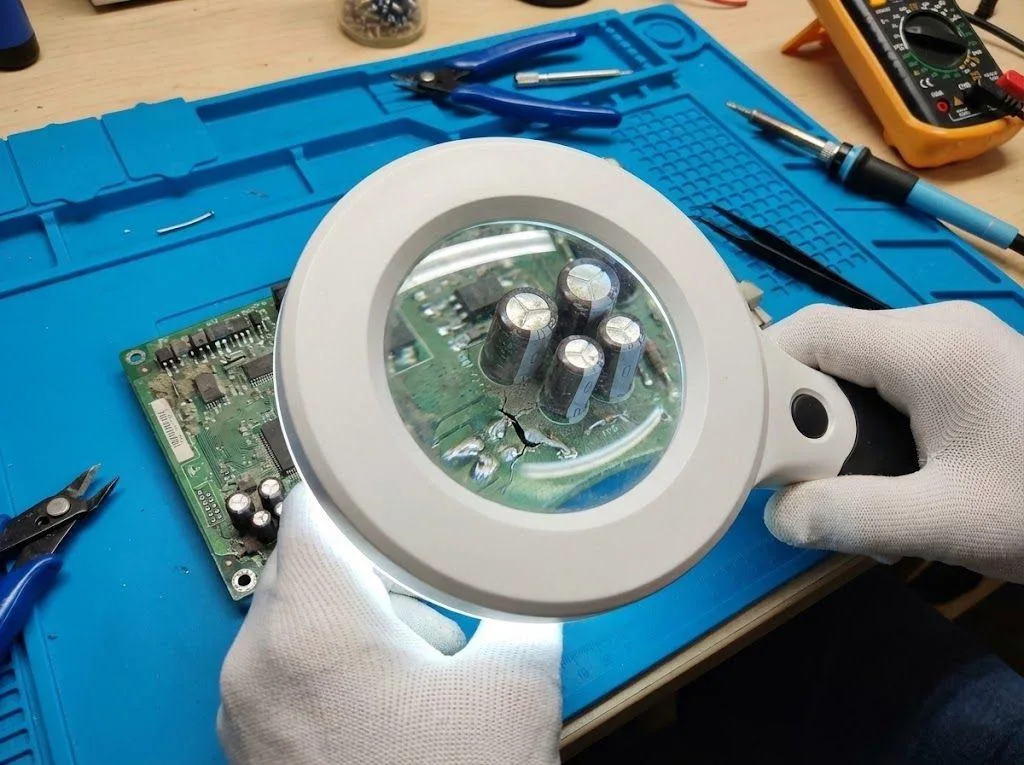
If the above four steps have been completed and the VFD still stops randomly, then you must face reality: the motherboard has aged.
Components (especially capacitors) experience performance drift over time. This hardware-level instability cannot be resolved through external means. At this point, replacing the motherboard or contacting a professional repair service is the only solution.
Conclusion
When confronting these soft faults without code, troubleshooting must be methodical.
From the most fundamental steps—environmental cleanup and grounding standards—to hardware isolation testing, each step narrows the scope of potential issues. Take the Oulu EV510A series we referenced: its design incorporates enhanced environmental adaptability from the outset. Yet even so, proper installation remains the prerequisite for stable operation.
Only by completing these steps can you truly tame the ghost of “VFD Stops Randomly” and ensure production lines no longer halt due to such “soft faults.”