

5 Reasons VFD Frequency Not Increasing & How to Fix 5Hz Limit
Today, let’s review a typical on-site failure case.
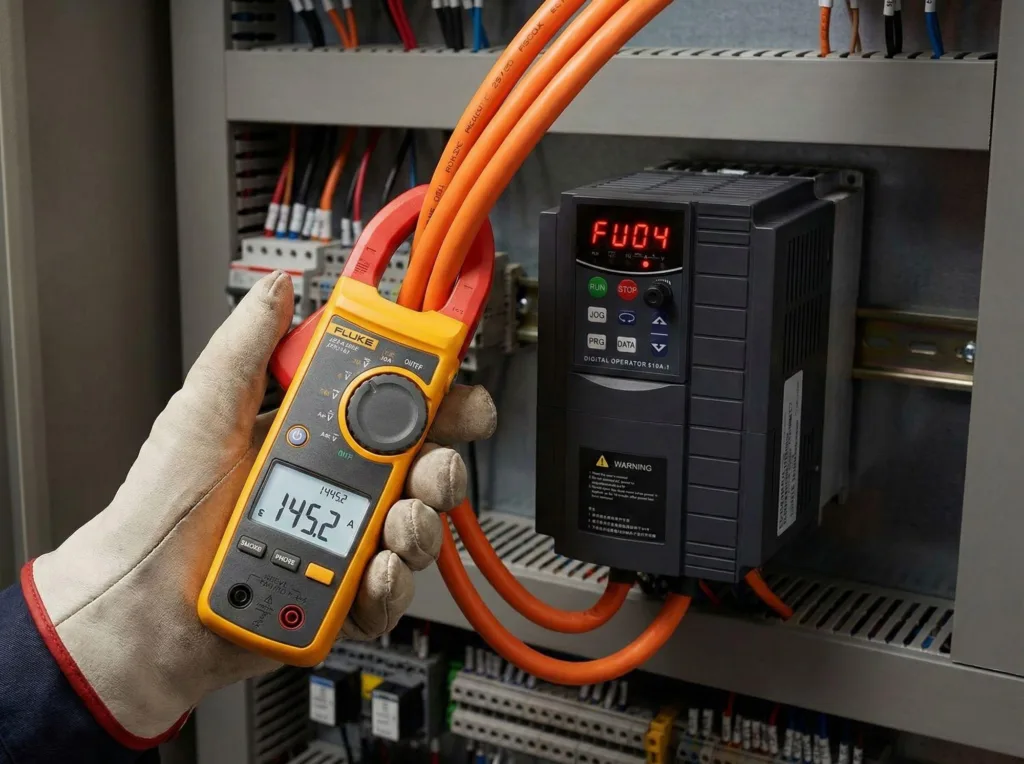
A user reached out for help, reporting a strange issue with his equipment: VFD Frequency Not Increasing. The frequency stubbornly stuck at 5Hz. No matter what settings he tried—even removing the load or attempting a factory reset—the number on the frequency display remained frozen, as if glued in place.
Frankly, it’s hard to pinpoint the exact cause based solely on this description. But drawing from decades of field experience, “VFD Frequency Not Increasing” typically hides behind a few consistent root causes. If your VFD exhibits similar “frequency lock” behavior, it’s not magic—you’ve overlooked the underlying control logic.
I’ve broken down this phenomenon into five core causes. Follow this troubleshooting approach, and you’ll find the solution every time.
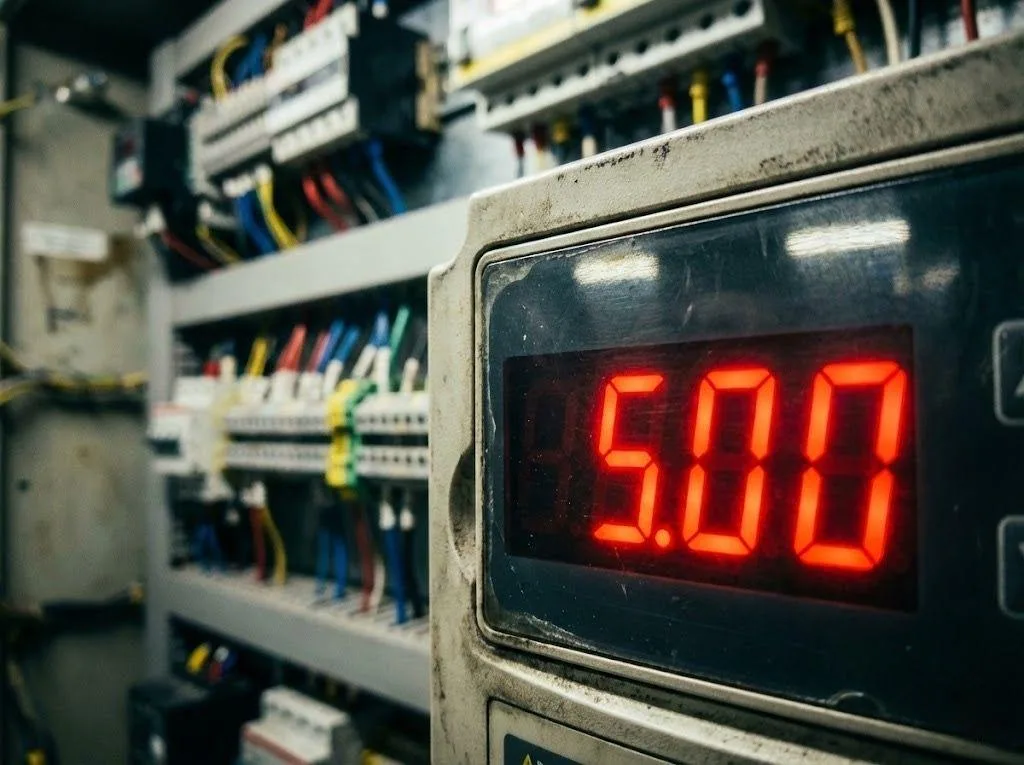
The “Ceiling” Trap: Parameter Limits
This is the most common mistake made by beginners. The primary suspect causing “VFD Frequency Not Increasing” is parameter settings.
In my VFD training courses, I repeatedly emphasize: the upper limit of frequency is jointly determined by two parameters—“Maximum Frequency” and “Upper Limit Frequency.” It’s like building a house—the height of the roof determines whether you can stand upright.
- Upper Limit Frequency: If you set this to 5Hz, the output will never exceed 5Hz regardless of the analog or digital input value.
- Max Frequency: This parameter has the highest priority.
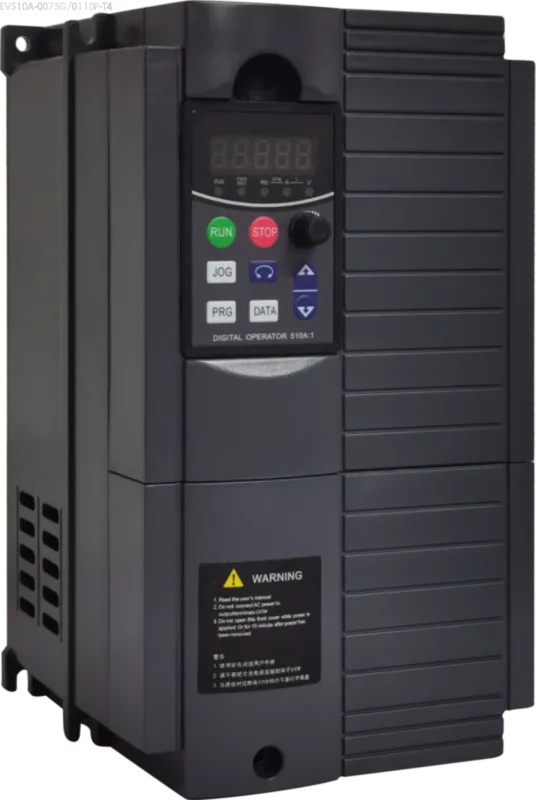
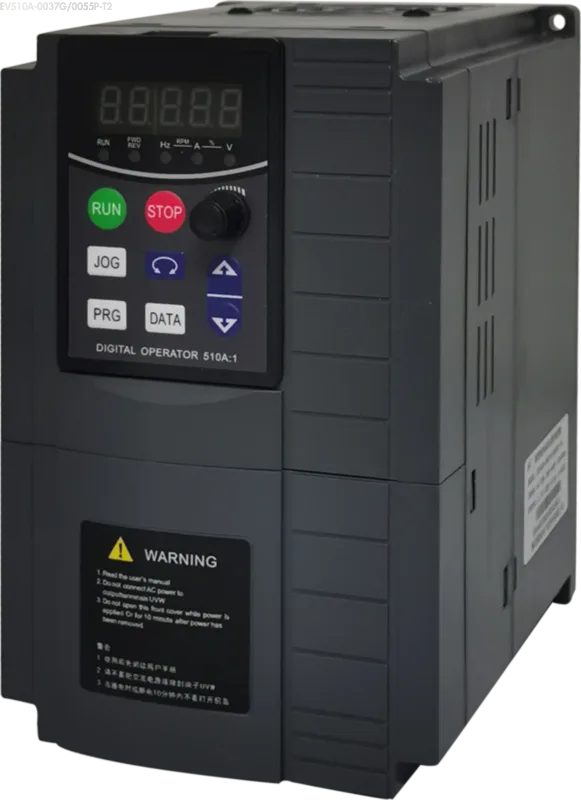
Refer to the P0 Group parameters in the Oulu VFD EV510A User Manual. If P0-03 (Max Frequency) or P0-04 (Upper Limit Frequency) is mistakenly set to 5Hz, your VFD Frequency Not Increasing issue is an inevitable consequence. This is equivalent to manually locking the device.
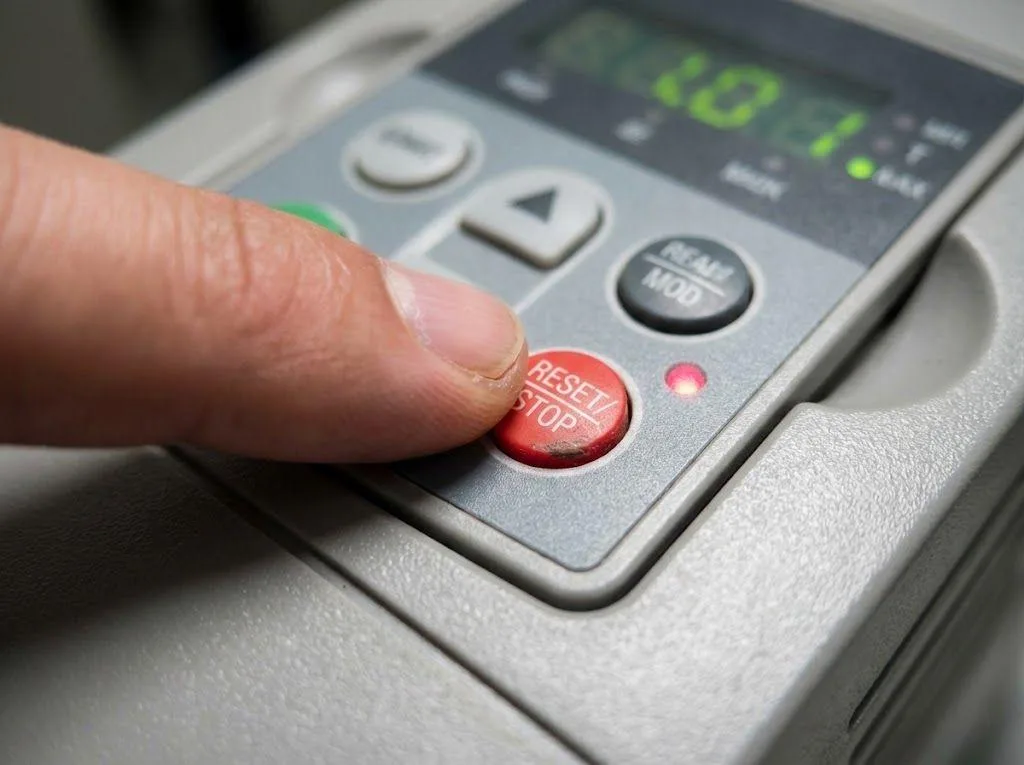
The Fake Reset: Factory Reset Failed
Netizens claim “factory reset doesn’t work either.” This statement is highly exaggerated.
If the VFD hardware is intact, a genuine factory reset should always initialize parameters. Since the “VFD Frequency Not Increasing” issue persists, only two possibilities remain:
- operator incompetence. They believe they performed the reset, but it never executed successfully.
- motherboard (CPU board) failure. Only a faulty CPU board prevents parameters from being rewritten.
The “Jog” Trap: Wiring Errors (Most Likely Cause)
This is the most common culprit behind VFD Frequency Not Increasing, especially when you notice it stuck precisely at 5Hz.
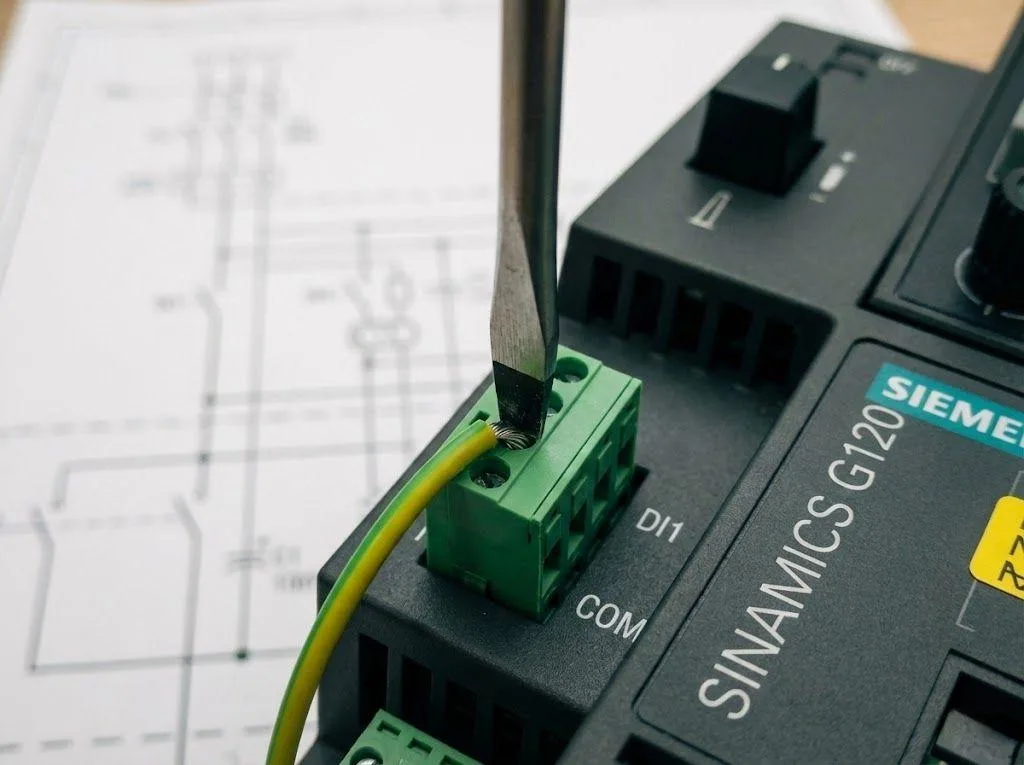
Always double-check the wiring. Often, you think you’ve connected to the “Start/Stop” terminals, but you’ve actually miswired them to the “Jog/Inching” terminals.
Why 5Hz? Because nearly all VFD brands, including our Oulu VFD Series, ship with a default Jog Frequency of 5Hz. Jog mode has a key characteristic: it ignores the frequency command signal and operates at a fixed, high-priority 5Hz.
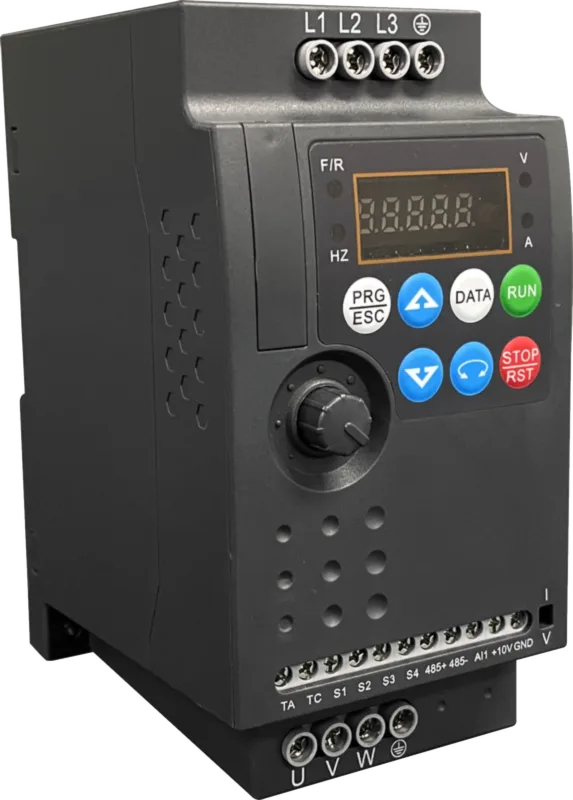
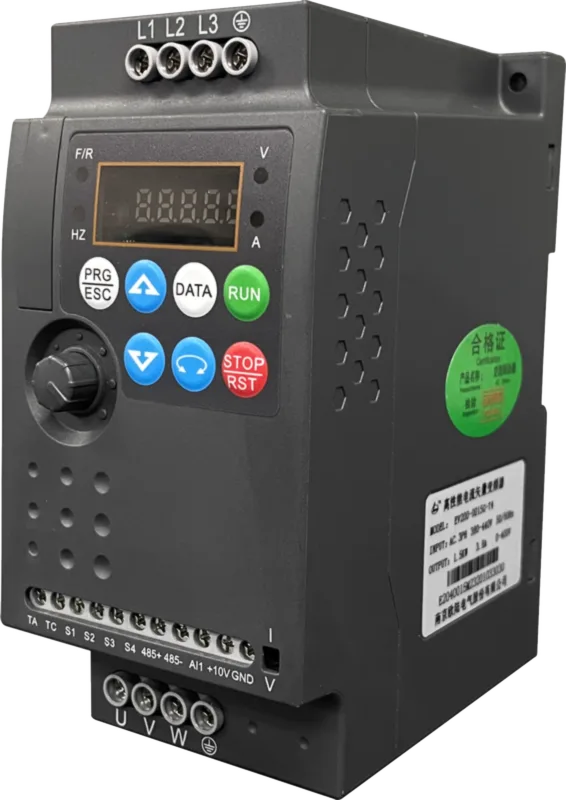
If the drive runs at 5Hz immediately after power-up and remains unresponsive to knob adjustments, the most likely cause for “VFD Frequency Not Increasing” is connecting the run signal to the Jog terminal. Carefully cross-reference the Terminal Wiring Diagram in the VFD EV200 User Manual to troubleshoot.
Hardware Short: I/O Board Failure
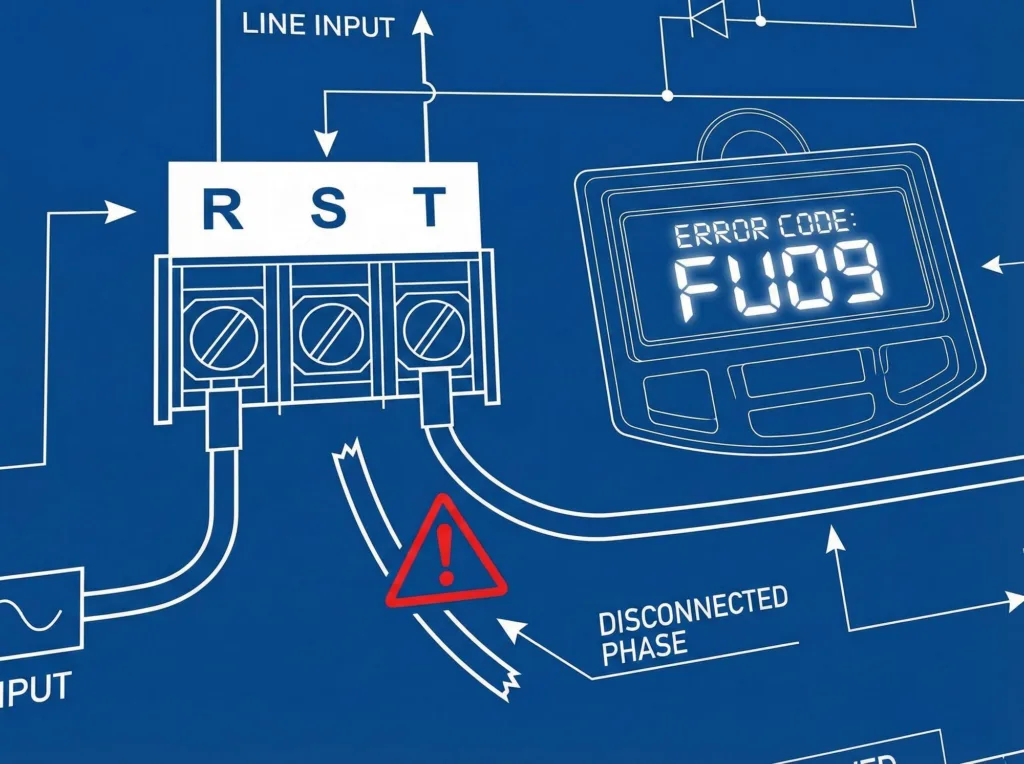
If you’ve confirmed the wiring is correct and properly connected to the start/stop terminals, yet the VFD Frequency Not Increasing error persists, suspect hardware issues.
A short circuit may have occurred internally on the IO board. Even if your external wiring is accurate, an internal short between the “start/stop” and ‘momentary’ circuits on the board could be causing the problem. When you send a start signal, the inverter internally interprets it as a “momentary” command. The result: it starts at 5Hz and refuses to increase.
Mainboard Malfunction
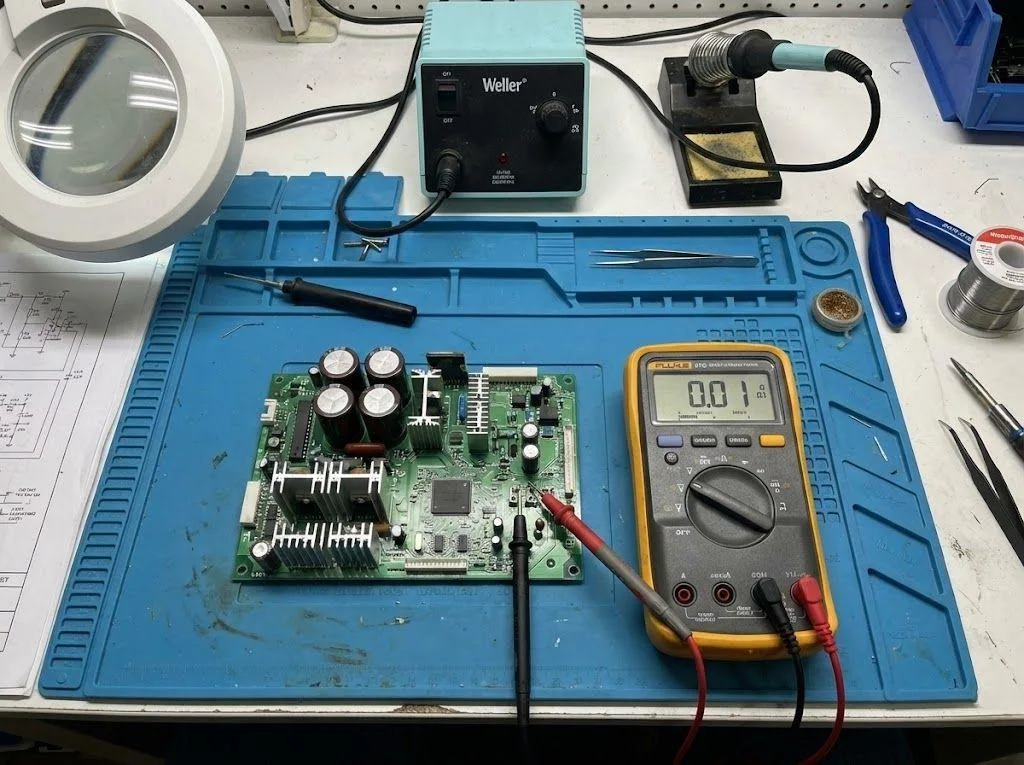
The final possibility is a mainboard failure. If even a factory reset fails and all other factors have been ruled out, the CPU board is likely damaged. However, this is a low-probability event.
Conclusion
Resolving the issue of VFD Frequency Not Increasing hinges on a thorough understanding of the inverter’s control logic.
Whether it involves parameter limitations or wiring pitfalls, troubleshooting must be conducted according to the specifications provided in the Oulu VFD Selection Guide. As professional engineers, selecting the correct equipment and thoroughly understanding manuals—such as the IO definitions in the EV510A User Manual—is fundamental to avoiding such basic errors. Don’t let simple configuration mistakes escalate into production incidents like VFD Frequency Not Increasing.